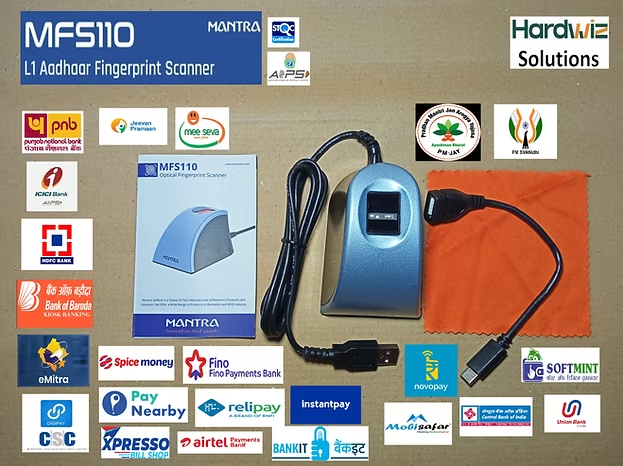
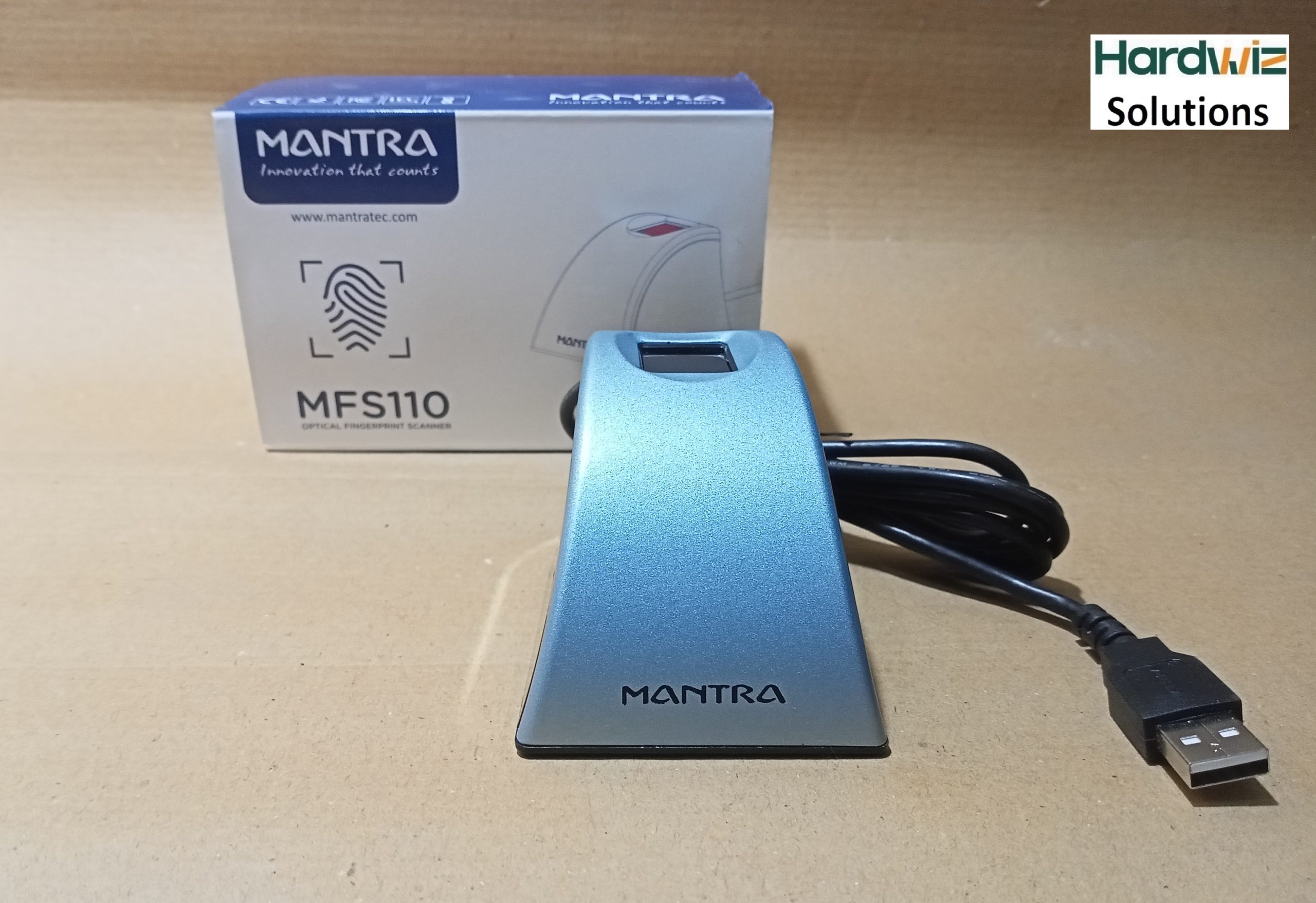
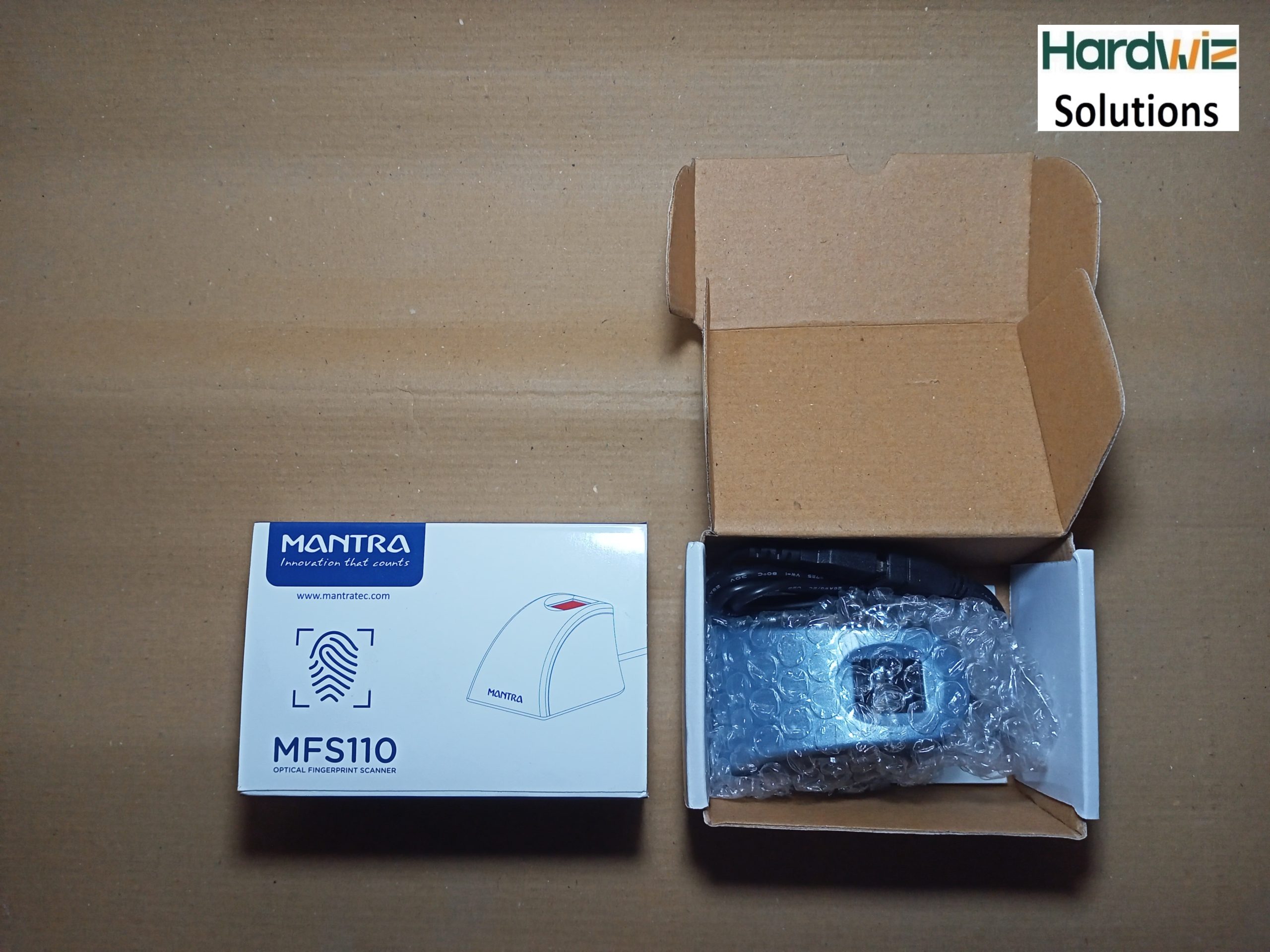
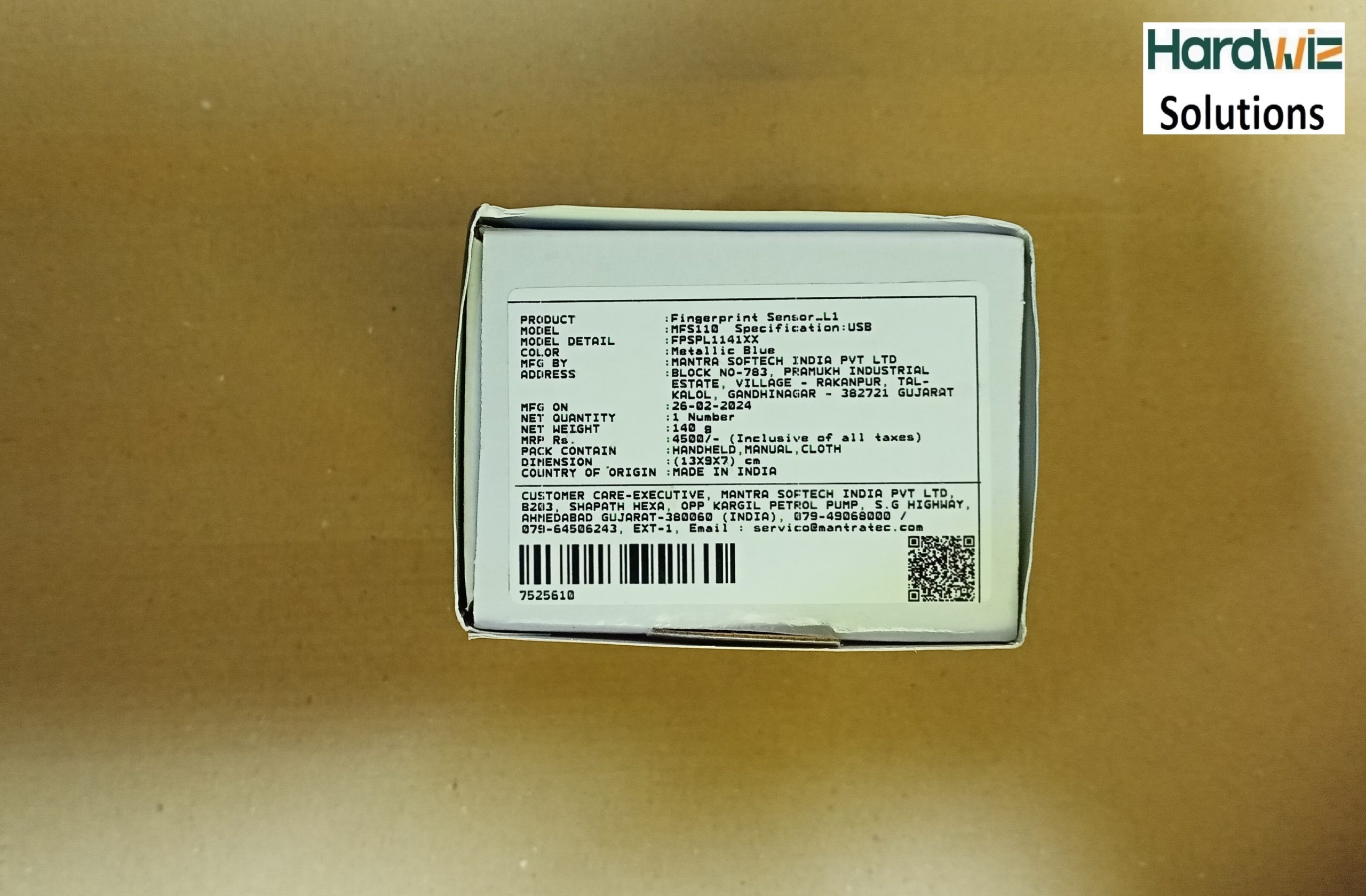
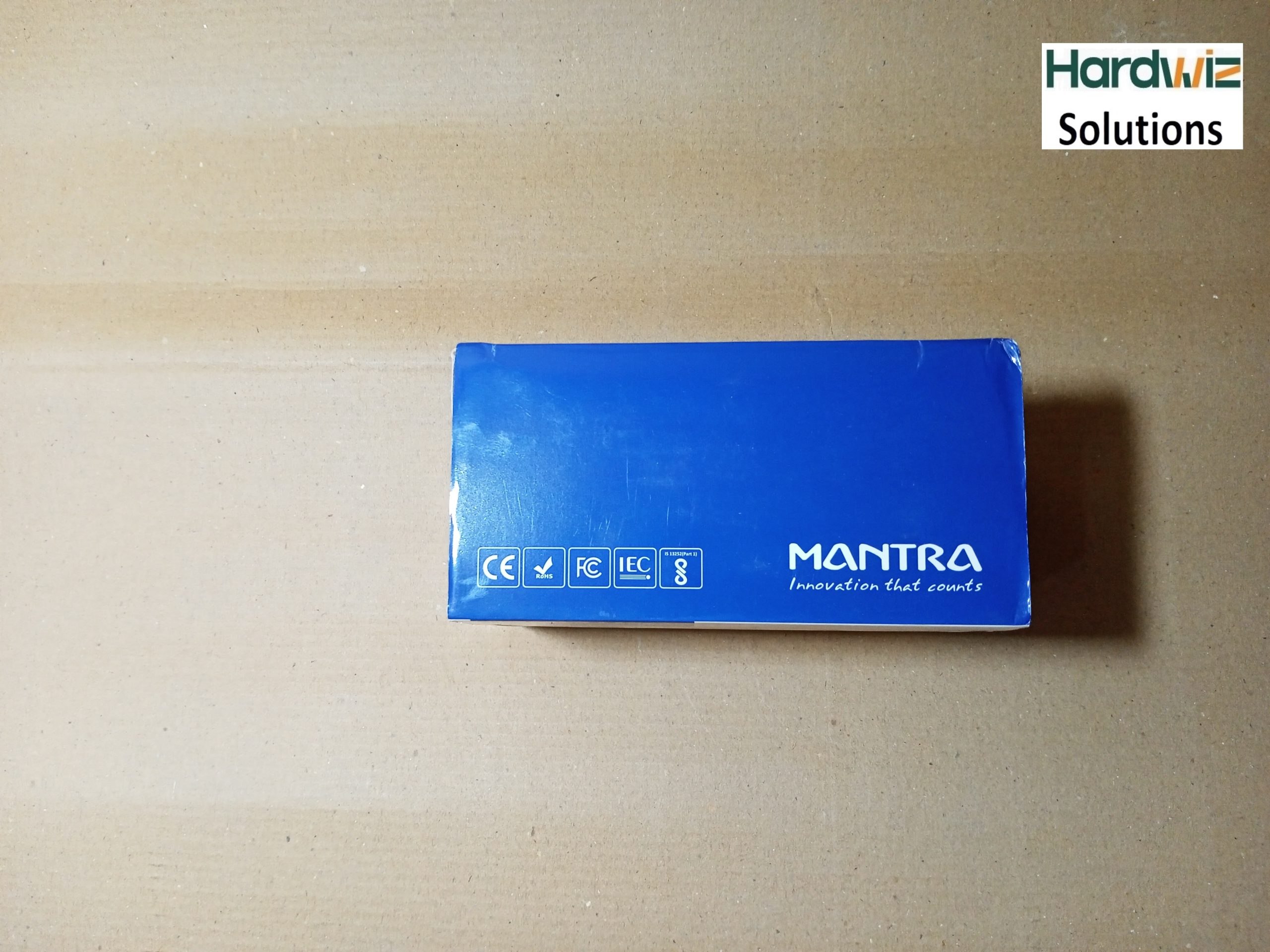
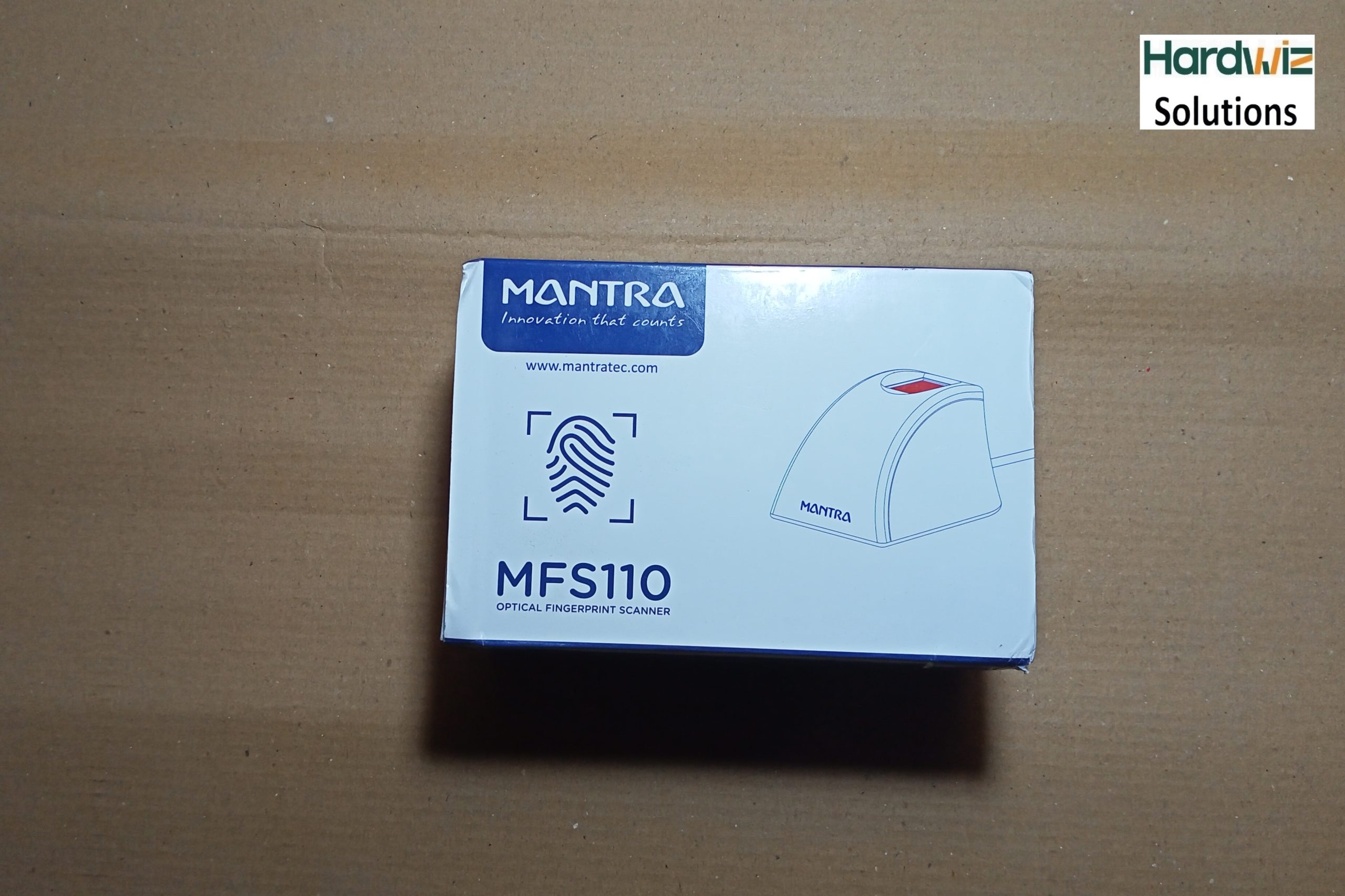
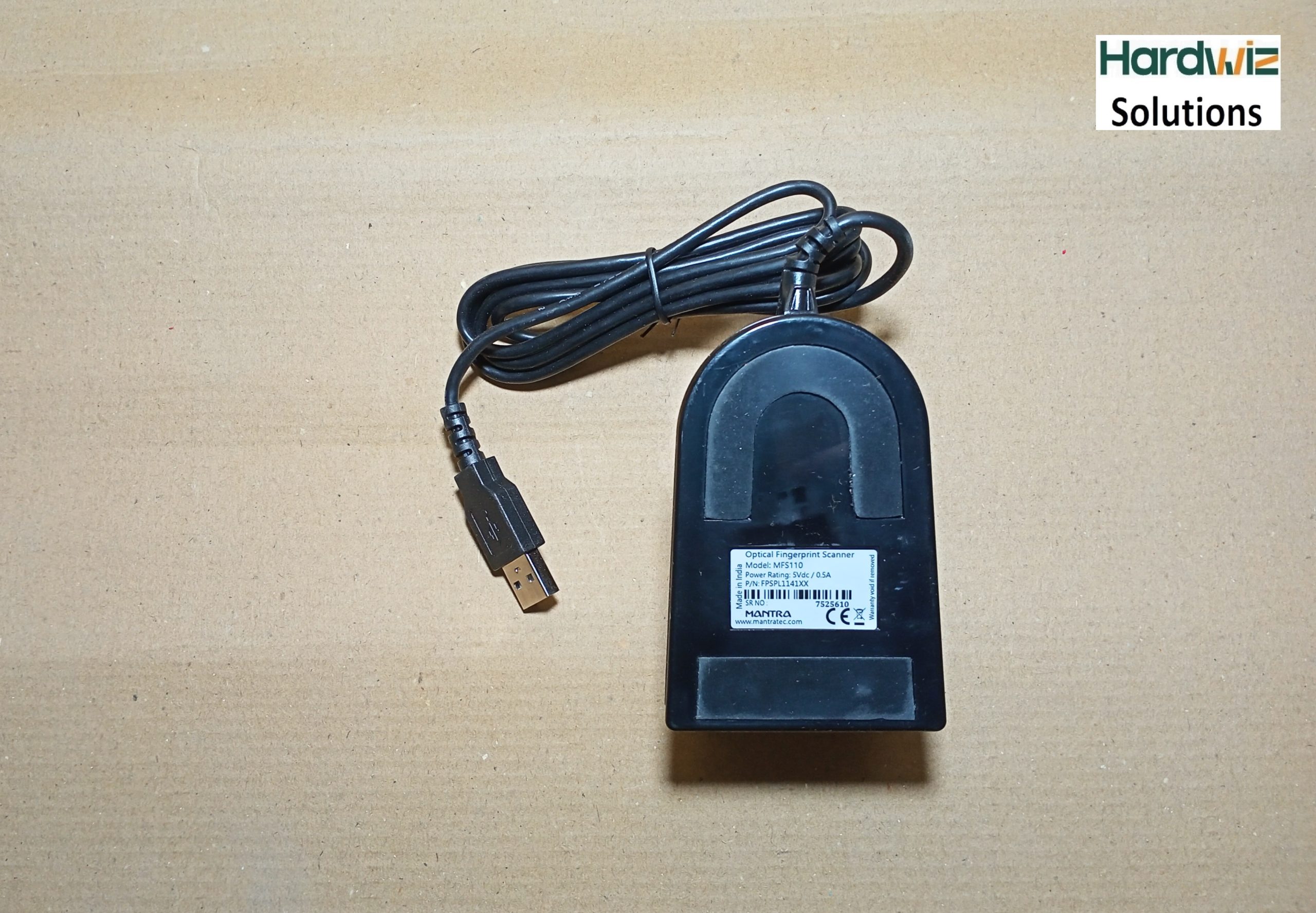
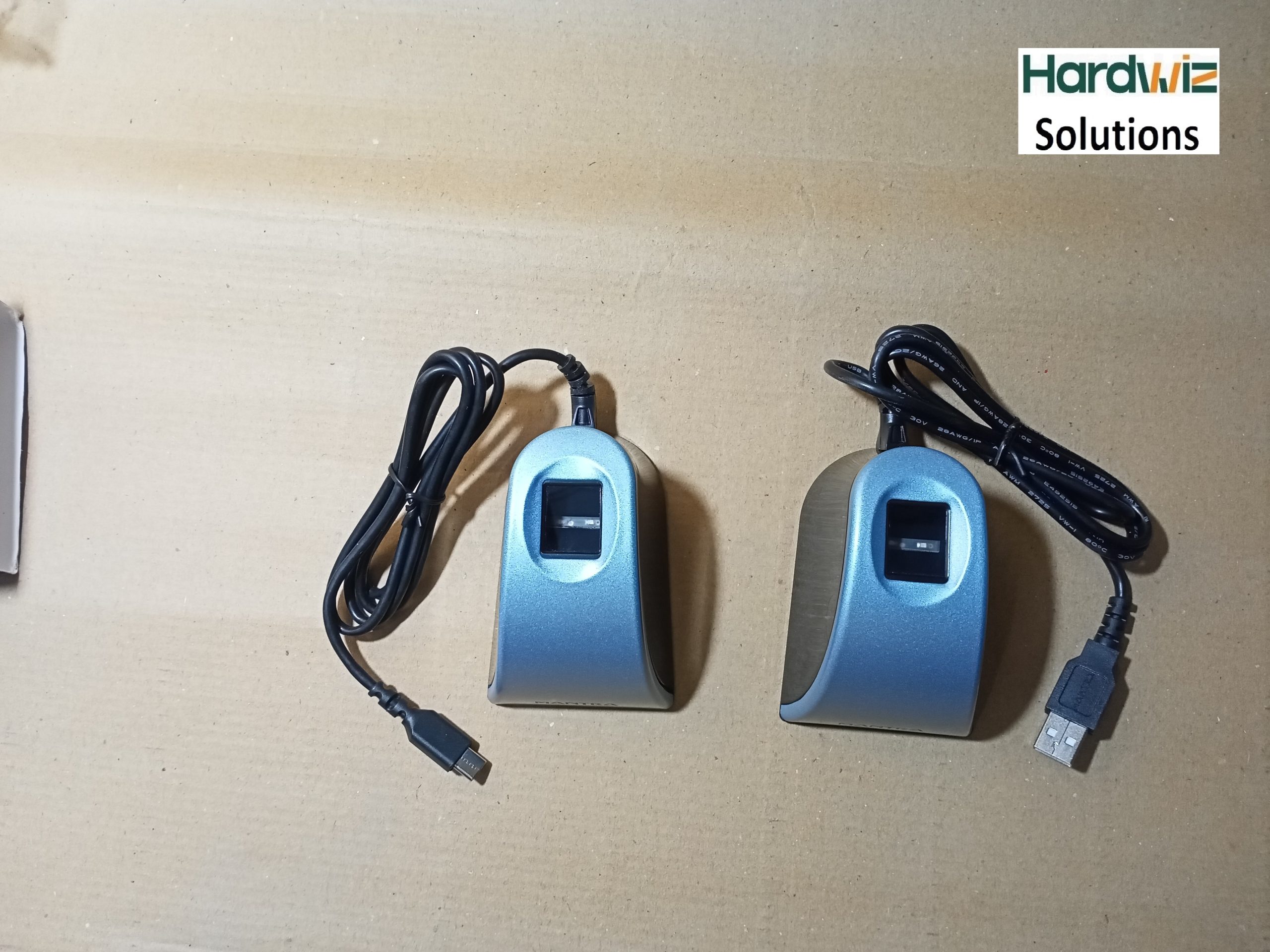
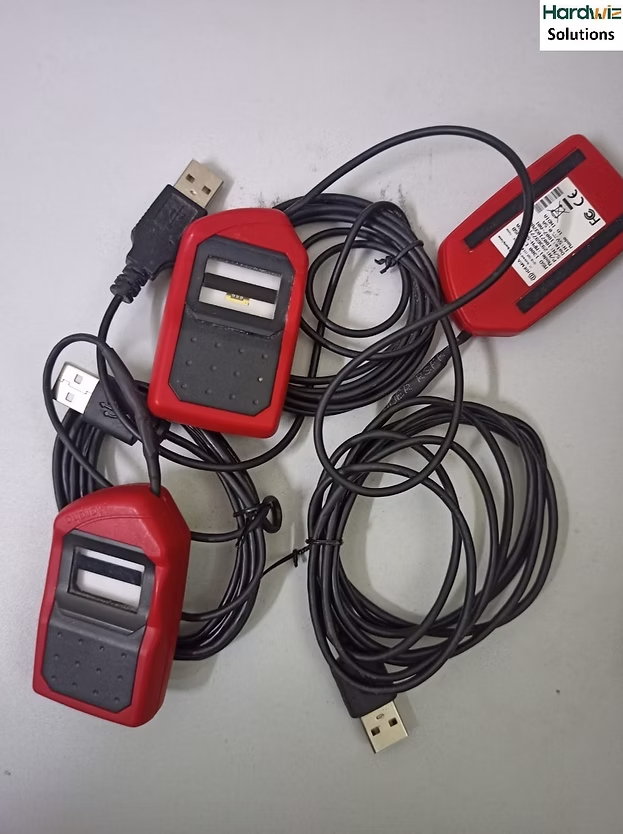
Mantra MFS110 Biometric USB Fingerprint L1 Device

(1 customer review)
Original price was: ₹4,500.00.Current price is: ₹2,500.00.
Tax included. Inclusive of all taxes. FREE Delivery for prepaid orders.
Cash on Delivery (COD) Terms:
• Prepaid order shipping: Free
• Cash on Delivery (COD) charge: 4% of value (advance) [Partial COD amount required]

Hardwiz Solutions emerges as the go-to platform for procuring the Mantra MFS 110 biometric at the best price for hardware-level encryption AePS and eKYC.

Pay a deposit of 4% per item
Pay on Delivery: ₹2,400.00
🔄 7 Days Return Policy 🛡️ 1 Year Warranty (For claim contact us) 🛠️ Installation & Tech Support

Description

In the realm of biometric devices, the Mantra MFS 110 L1 USB Fingerprint Scanner stands out as a superior quality solution. This USB pc-based fingerprint scanner is designed for capturing and verifying fingerprints, providing enhanced security for both desktop and network environments.

Adherence to International Standards for Assurance

With adherence to international standards such as STQC, UIDAI, ISO, and ANSI, the Mantra MFS 110 or MFS110 L1 ensures a seamless authentication experience. Its applicability extends across various industries, including finance, healthcare, and hospitality, owing to its ruggedized and durable design.

Accessible and Affordable at Hardwiz Solutions

Hardwiz Solutions emerges as the go-to platform for procuring the Mantra MFS 110 biometric machine at the best price. In an era where biometric device usage is on the rise, Hardwiz Solutions caters to the demand for UIDAI’s Aadhaar authentication by offering the best fingerprint scanner at a reasonable price.

Comprehensive Support and Services

Beyond just the purchase, Hardwiz Solutions provides extensive support, including RD Service registration for biometric devices spanning one, two, and three-year durations. Users also have the option to choose additional AMC Warranty for added peace of mind.

Authorized Distribution and Registration Process

As the authorized distributor of Mantra MFS110, Hardwiz Solutions ensures a seamless experience. The registration process for the Mantra MFS 110 USB and Iris Scanner is facilitated with a nominal fee. Upon submission of eKYC details and the device’s serial number, users receive a unique link for registered device service or RD Service.

Installation Support and Software Accessibility

Hardwiz Solutions’s offering includes one year of full installation support with the purchase of the biometric device. The mantra biometric software, crucial for device functionality, is easily accessible through the Hardwiz Solutions Download page.

Unlocking the Potential of Mantra MFS 110

For users wondering how to unlock the mantra biometric device, Hardwiz Solutions provides a straightforward process. The helpline number (93102 23033) ensures that any concerns or queries related to the Mantra device are promptly addressed.

Security Levels for Different Needs

Understanding the diverse security needs, the MFS 100 is designated as an L0 Device, while the MFS110 is an L1 Device, specifically tailored for UIDAI Aadhaar authentication.

STQC Certified for Versatile Applications

The device is STQC Certified, making it not only reliable but also versatile. Its applications range from AADHAAR and NDLM to Jeevan Praman and Digital Signature Certificates. The Mantra MFS110 L1 or MFS 110 L1 play a crucial role in the One 97 Paytm eKYC Golden Gate Project, showcasing its adaptability in cutting-edge projects.


  • PC/Network security
  • E-commerce
  • Groupware
  • Time and attendance system
  • Smart card application
  • Public application
  • AEPS, AADHAR Pay
  • Health and Medical
  • UIDAI Auth Application

Are you in search of information and resources related to the Mantra MFS 110 biometric fingerprint scanner? Look no further! Here at Hardwiz Solutions, we offer a wealth of content and services to assist you with all your Mantra MFS110 needs.

Practical Usage & Portals

The device serves as a primary authentication endpoint for both financial and state e-governance infrastructure: [1]
  • Aadhaar Ecosystem: Extensively used for Aadhaar-enabled Payment Systems (AePS), micro-ATMs, and digital banking correspondence points (CSPs).
  • Digital KYC: Facilitates instant telecom SIM card activations, PAN card applications, and digital bank account openings. 
  • Government Welfare: Essential for Common Service Centres (CSCs), PM-JAY (Ayushman Bharat), PDS ration distribution, and generating digital life certificates (Jeevan Pramaan).

Mantra MFS110 L1: The specific model of a biometric device designed by Mantra, known for its advanced security features.

Fingerprint Reader Device: A hardware component used for capturing and processing fingerprint data for various applications like security and identification.

Drivers Download: Refers to the process of obtaining and installing necessary software drivers for the MFS110 device to enable its functionality with a computer or system.

Installation: The act of setting up and configuring the Mantra MFS110 L1 fingerprint reader for use, typically including hardware and software components.

Reviews: Feedback and assessments provided by users or experts regarding the performance, reliability, and quality of the MFS110 device.

Mantra L1 Price Details: Information about the cost or price associated with purchasing the Mantra MFS110 L1, which can help potential buyers make informed decisions.
L1 Fingerprint Scanner: A type of biometric scanner, in this case, the Mantra MFS110 L1, used for capturing and verifying fingerprints, often recognized for its security features.

Mantra MFS110 Flipkart & Amazon: Indicating that the Mantra MFS110 L1 device can be found on the popular e-commerce platform Flipkart and Amazon for purchasing, we are offering you Mantra MFS 110 low price.
Contact Us: A means of getting in touch with the seller or provider of the Mantra MFS110 L1 for inquiries, support, or assistance.

Conclusion:
In conclusion, the Mantra MFS 100 and Mantra MFS 110 L1 USB Fingerprint Scanner from Hardwiz Solutions is more than just a biometric device. It’s a reliable, certified, and adaptable solution that caters to the evolving needs of security and authentication in various industries, check L1 Fingerprint Scanner Mantra MFS110 Price in India.


To learn more about our offerings or to get in touch, please don’t hesitate to visit our Contact Page.
Technical Specification

Technical Specifications
The Mantra MFS110 offers ultra-precise imaging and a robust physical build designed for heavy corporate and rural field use: [1]
  • Sensor Type: Optical Fingerprint Sensor.
  • Resolution: 500 DPI (dots per inch) with a 256 grayscale levels bit depth.
  • Security Stack: Hardware-based RSA-2048 key generation, AES-GCM-256 encryption, SHA-256 hashing, and True Random Number Generator (TRNG).
  • Durability (IP Rating): IP54 Certified, rendering it highly resistant to dust and water splashes.
  • Platen Surface: Hard, scratch-free optical glass optimized to scan dry, dirty, or rough fingers smoothly.
  • Speed: Fast biometric capture and processing time under 2 seconds.
  • Certifications: STQC L1, UIDAI, FBI PIV-071006, CE, and FCC.

Driver

To use the Mantra MFS110 L1 Fingerprint Scanner on a Windows PC or Android smartphone, you must install both the Device Driver and the RD (Registered Device) Service software. Because L1 devices feature hardware-level encryption, they will not function as a standard plug-and-play USB device without this security environment running in the background. 
Follow these step-by-step instructions to ensure a clean, error-free setup.

🪟 Windows 10 / 11 Installation Steps

Prerequisite: Ensure your computer’s date, time, and time zone are set correctly to match Indian Standard Time (IST), or the security handshake will fail.
Step 1: Remove Old Mantra Software
  1. Open the Control Panel on your computer.
  2. Go to Programs and Features.
  3. Look for any legacy Mantra drivers (such as older MFS100 L0 drivers) and click Uninstall.
  4. Restart your PC to completely clear out the registry files. 
Step 2: Download the New L1 Drivers
  1. Visit the official manufacturer repository at  [Click here to download] or the certified service aggregator RD Service Online.
  2. Look for the Mantra MFS110 (L1) product section. [1]
  3. Download two separate files:
    • MFS110 Windows L1 Driver (e.g., v1.x.x)
    • MFS110 Windows L1 RD Service (e.g., v2.x.x) [1]

  4. Solve the Captcha request, hit submit, and save both executable (.exe) files to your desktop. [1]
Step 3: Sequence of Installation
  1. Locate the MFS110 Driver setup file first. Right-click it and choose Run as Administrator. Walk through the setup window prompts and click Finish.
  2. Locate the MFS110 RD Service setup file next. Right-click it, select Run as Administrator, click Next, and follow it through to Finish.
  3. Restart your computer one final time to let the cryptographic background processes activate.
Step 4: The Telemetry Check
  1. Plug the Mantra MFS110 L1 scanner into a functioning USB port on your PC.
  2. Wait a few moments. A pop-up notification should appear in the bottom-right corner of your taskbar stating: “Device Attached” followed shortly by “Framework is ready to use”.
  3. The server handshake is complete, and you are ready to test it on your banking or government eKYC portal. 

🤖 Android Smartphone Installation Steps

No manual driver packages are required on a mobile phone; all components are wrapped into an official app framework. [1]
  1. Download the Service Framework: Open the Google Play Store on your Android phone and search for the official Mantra L1 RDService App. Tap Install. 
  2. Enable Device Access: Connect the scanner to your phone using a compatible Type-C OTG connector bundle.
  3. Toggle the System Setting: Navigate to your smartphone’s system Settings, use the search bar to locate OTG, and switch the setting to ON. (Note: If this step is forgotten, the scanner will not power up or light its red LED).
  4. App Approvals: Launch the Mantra L1 app. Accept the standard permissions prompt to let the app interact with the connected USB accessory. 
  5. Check the Status Indicator: The application dashboard will show three status dots (Internet, Management Server, and Device). When they all cycle to green and the app shows “Ready to use,” the setup is complete.


Faq's

❓ Frequently Asked Questions

  • What is the core difference between the older Mantra MFS100 and the new Mantra MFS110?
    • Security Level: The legacy MFS100 is an L0 device that handles data encryption on the host software layer. The new Mantra MFS110 is an L1 certified device that encrypts biometric data directly inside the internal hardware processor using a Trusted Execution Environment (TEE), fully complying with the latest UIDAI authentication security guidelines. 

  • Does the device work immediately after plugging it into a PC?
    • No: Because it relies on hardware cryptoprocessing, the scanner will not function until you manually download and execute the latest device drivers alongside the official Mantra L1 RD Service software package. 

  • How do I fix Error Code -1001 (“Your RD Subscription is Expired”)?
    • Fix: This error means the internal security certificate management tokens have expired. You must visit the official Mantra Servico Portal or authorized portals like RD Recharge, input your scanner’s 7-digit serial number, complete the renewal payment, and restart your device app framework. 

  • How do I resolve Error Code 999 (“Internal Error / Synchronization Failed”)?

  • Time Settings: This error usually triggers when your host PC or phone’s internal clock drifts away from the server clock. Navigate to your system settings, toggle “Set Time Automatically” to ON, clear your RD Service app cache, and re-plug the scanner. 

  • My Android phone isn’t powering up the device scanner. How do I fix this?
    • OTG Setting: By default, many Android frameworks turn off external power routing to save battery. Navigate to your phone’s Settings, use the search bar to locate OTG, and manually toggle the OTG connection setting to ON.

  • Can the scanner read worn-out, dry, or dirty fingers?
    • Yes: The MFS110 uses an advanced 500 DPI optical sensor backed by a scratch-resistant glass surface engineered specifically to capture clean biometric details even from dry, weathered, or rough hands. 

Additional information

Weight 0.3 kg
Dimensions 16 × 12 × 8 cm

1 review for Mantra MFS110 Biometric USB Fingerprint L1 Device

  1. Aarti Shelke –

    PURCHASED WITH INSTALLATION SUPPROT

Add a review

Your email address will not be published. Required fields are marked *

Related products